The Editing Suite
Develop, stack, cut, layer, narrate, and publish — the same render engines from iPhone to Mac, so the output is identical wherever you work.
The Studio (iPhone & iPad)
The making room: seven operations over one selection model, all rendering through the same engines as the Mac.
- Spot — the full broadcast pipeline, plus a synced Spot Projects list for re-editing.
- Edit — opens any video in the full timeline editor, from Photos, Files, or a spot you just rendered.
- Develop — the Mac Darkroom's exact toolset: a Twilightscape look plus nine adjustment sliders with live preview, rendered at full resolution.
- Timelapse — selected frames become video at 12/24/30 fps, with a running duration estimate.
- Star Trails — lighten-blend stacking: trails connect, lights accumulate.
- Smooth — average-blend stacking: silky water, melted noise.
- Look — one-tap Twilightscape presets on any photo.
Sources are your whole library — capture galleries, All Photos, your videos, every album — plus the Files app. A live session mode pins the Studio to the active capture gallery while the intervalometer shoots, streaming new frames into your selection. One deliberate rule: the curated Twilightscapes portfolio is display-only, never an editing source. Nobody develops the artist's work.
The video editor
A real NLE, identical on phone and Mac because it is the same engine — the phone gets a touch-first layout, the Mac gets panes and lanes.
- Timeline — a filmstrip with real thumbnails: drag to scrub, split at the playhead, delete pieces, trim with finger-sized edge grips. Playback previews cuts by jumping the gaps. Full undo/redo, one step per gesture.
- Layers — photo overlays (fake fronts, tickers, callout arrows) and typed headlines, dragged and pinched into place with a time window on the timeline. Every overlay has a start pose and an optional end pose, and glides between them. One punch-in zoom per edit: aim a ring at a face or detail, pick 1.2×–4×, eased in and out.
- Sound — ride the original audio down to zero, mix voiceover/music/correction layers each with its own volume and trimmable window, and record voiceover in place — the picture plays while you narrate, and the take lands at the playhead.
- Out the door — render to Photos, save to Files, share, or post to Bluesky with a caption, all without leaving the editor.
The Mac Darkroom
The night photographer's desk — four modes behind one header, with a unified Open dialog that routes projects, photos, or video by kind.
- Develop — the Twilightscape look plus nine sliders (exposure, contrast, highlights, shadows, vibrance, saturation, warmth, tint, sharpen), per-slider reset, live preview.
- Stack — star-trail or smooth blends over any frames, with dark-frame subtraction: ⌥-click a lens-cap frame in the grid and its noise is subtracted from every frame.
- Video — the full editor with Mac comforts: per-layer timeline lanes, pose ghosts on the canvas, keyboard shortcuts.
- Spots — projects recorded on the iPhone appear via iCloud; both streams play in sync, the bubble re-animates with drag keyframes, and saved motion syncs back to the phone.
- Disk-native — open images and video straight from the file system, no Photos import required.
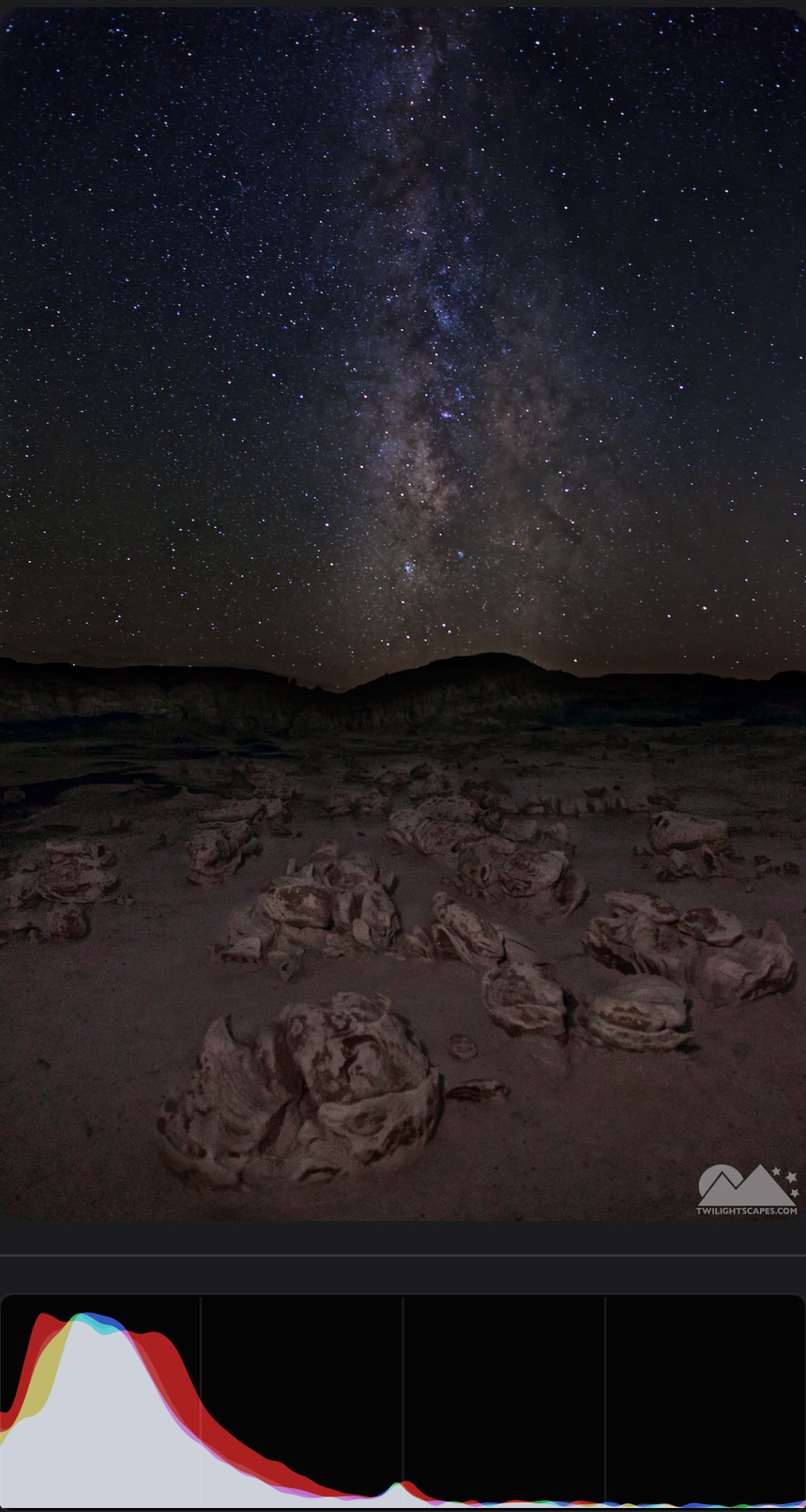
Develop — the Mac Darkroom's exact toolset, full resolution, live histogram.
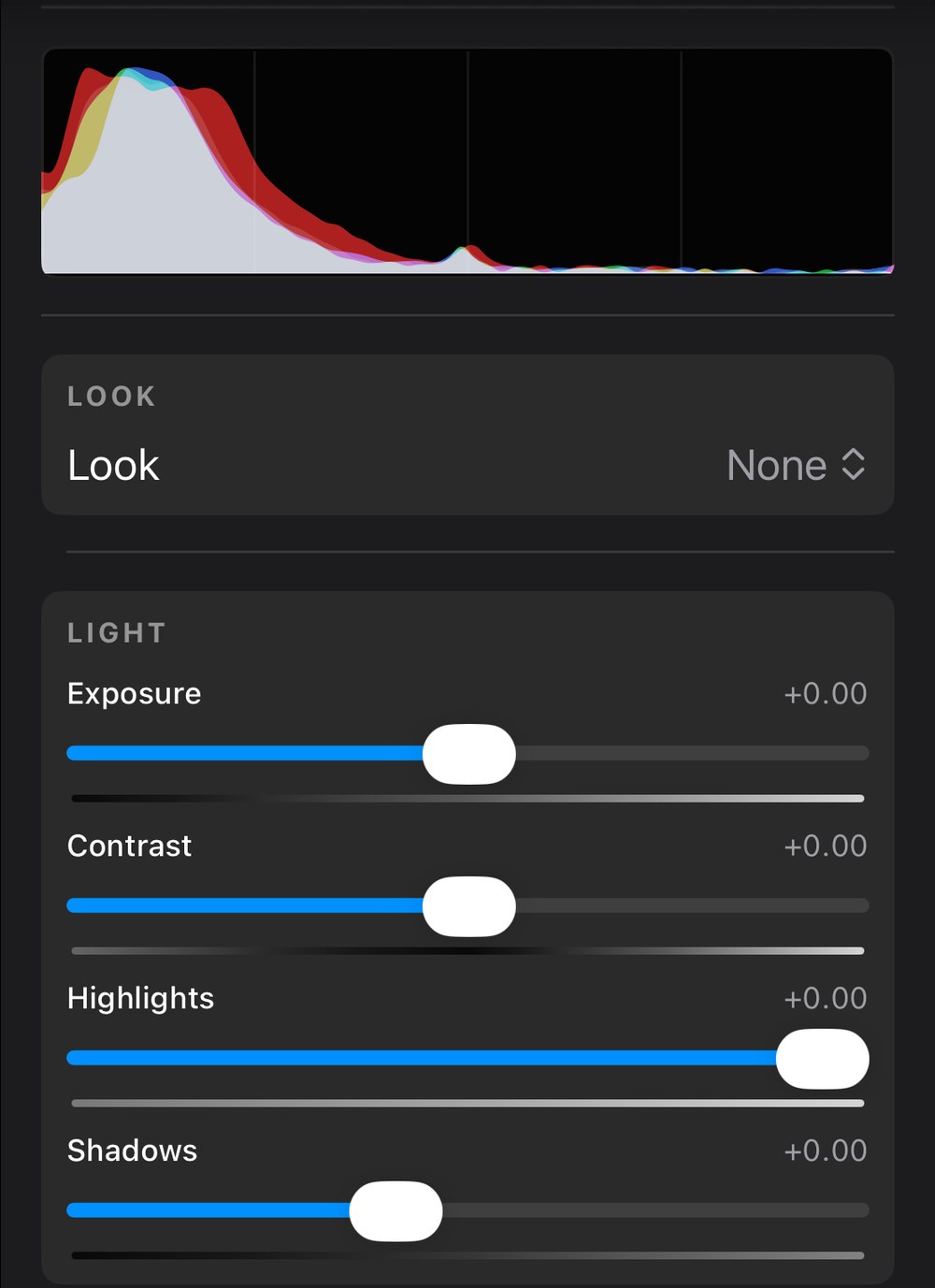
Nine adjustment sliders and a Twilightscape look, identical from iPhone to Mac.
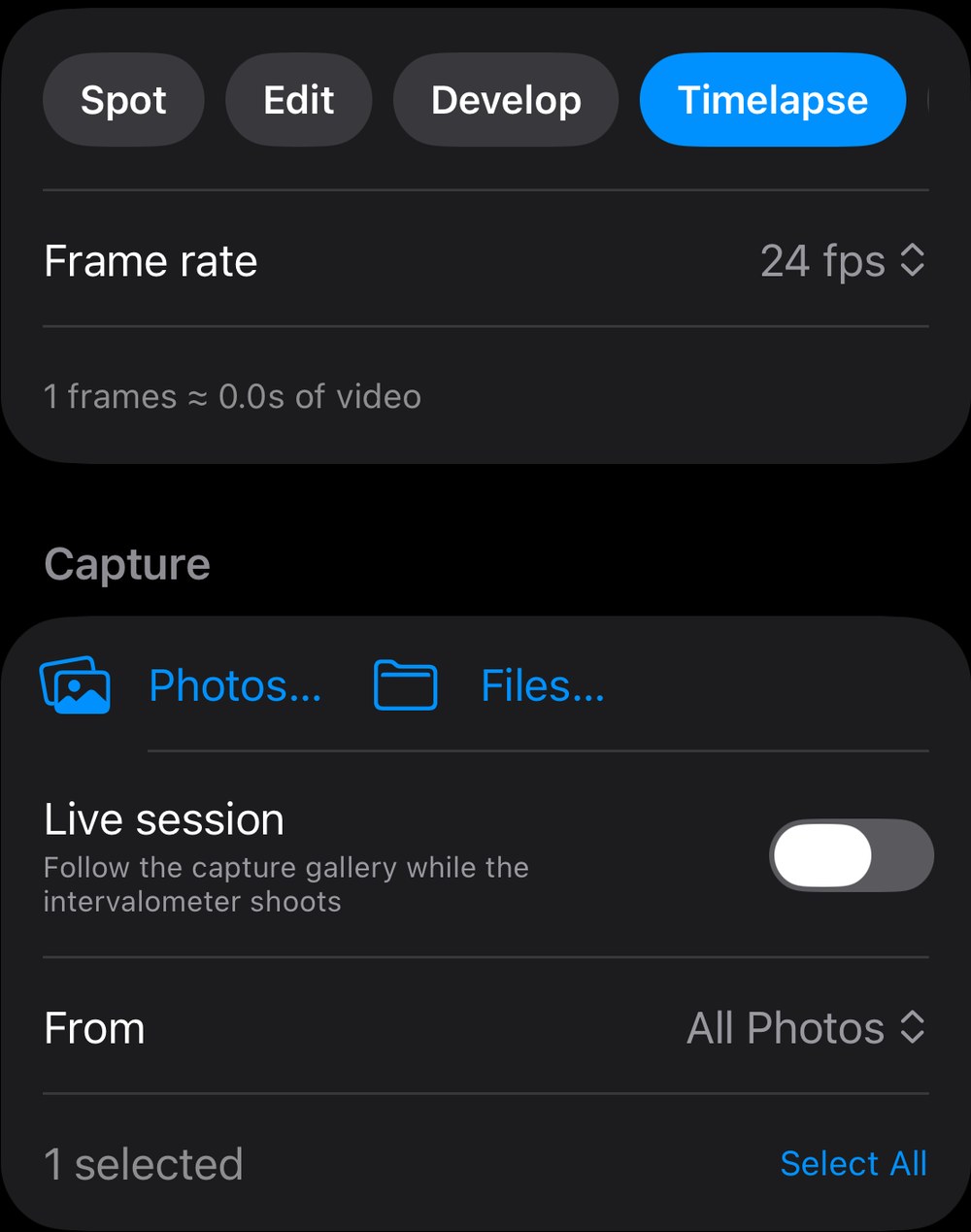
Timelapse — selected frames become video, straight from a capture gallery or live session.
Sync & the .scape format
Two channels carry everything: iCloud key-value storage for curation and projects, iCloud Photos for the media — with photo identity translated between devices, so "this photo" means the same thing everywhere. Playlists, narration mutes, capture-gallery names, and spot projects sync automatically: curate on the phone, every device follows.
.scape is one project file for everything — develop recipes, stack setups, and full video edits in a single JSON document. Overlay images and audio layers are embedded; sources are stored as device IDs plus iCloud identifiers, so a project made on the iPhone opens on the Mac and vice versa. It's a real document: a Finder/Files icon with QuickLook thumbnails, double-click opens the Mac Darkroom, tap opens the Studio. Old files stay openable in newer builds.
Field Safe
Press-freedom infrastructure: the moment a recording exists, a copy is leaving the phone for a server you control.
- Any WebDAV endpoint or web server that accepts PUT — Nextcloud, Synology, your own box. Optional Basic auth with the password in the Keychain, and a Test Connection button that reports honestly.
- Video takes upload when recording stops (before you even hit Save); spot takes upload both streams the moment you keep them; rendered edits upload on export.
- Background uploads survive the app being suspended or killed; files spool locally until the server confirms. A pulsing cloud badge turns green when the copy is safe — you know before anyone reaches the camera.
Publishing
Bluesky, natively: post video with a caption straight from the Studio, the video editor, or the spot editor, on iPhone and Mac. App-password sign-in, tokens in the Keychain, native video embeds. Shoot → edit → publish, one app.
Edited. Now hang it.
Your galleries, playlists, and narrated slideshows on every screen in the house.