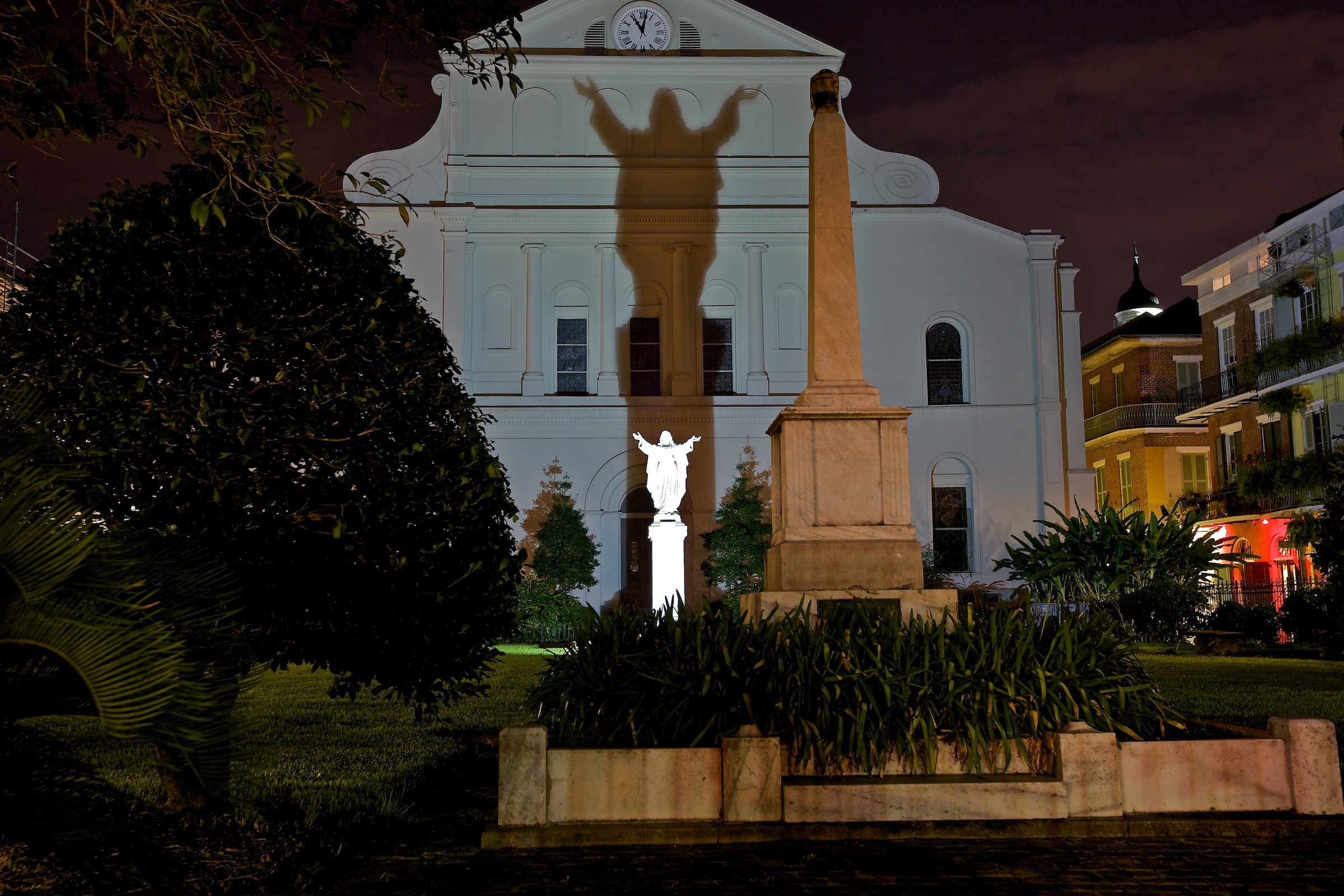
Your Gallery, Everywhere
The whole point of the workflow: what you shoot tonight is on the living-room wall tomorrow — automatically.
Shoot tonight, hang it tomorrow
The display side closes the loop. Captures land in named capture galleries as you shoot; those galleries travel through iCloud Photos and appear as displays on every device — no export, no AirDrop, no cables. Build playlists on the iPhone and they follow to the TV and Mac, with photo identity translated per-device so "this photo" always resolves. Record a voice note on a photo and it plays wherever that photo shows, with per-photo mute synced everywhere. Spots and videos play through in place.
The Gallery Wall — Apple TV
- Ambient playback at 4K with slow crossfades, optional Ken Burns motion, captions, shuffle, and configurable dwell time. The screen never sleeps mid-show.
- Your playlists and capture galleries arrive via iCloud alongside the curated Twilightscapes collections — or hide the portfolio entirely with My Photos only and make the app purely yours (free for everyone).
- The remote grammar stays out of the way: swipe for next and previous, click for pause and the info overlay, menu to return.
- Site content rides along: Night School lessons, the latest posts, Photo of the Day, and the calendar view — all fed remotely, so new work appears without an app update.
One display engine
The same slideshow engine runs on TV, phone, iPad, and Mac: 4K-aware downsampled decoding with off-thread preloading, 1.5–4 s crossfades, Ken Burns drift, captions, shuffle, and dwell control. On anything with a touchscreen or pointer, photos speak a shared grammar — tap for info, double-tap or pinch to zoom, drag to pan, and press-and-hold for the pixel loupe, because pixel-peeping deserves to be a first-class gesture. On the Mac, click any collection and the window becomes the show; the green button makes it a true fullscreen ambient display.
Beyond your own screens
Any portfolio photo saves to a Twilightscapes Downloads album in your Photos library — vertical wallpaper crops included — which doubles as source material for the native screensavers: Apple TV's My Photos and the Mac's photo screensavers can both point at it. Collected Twilightscapes literally become the system screensaver.
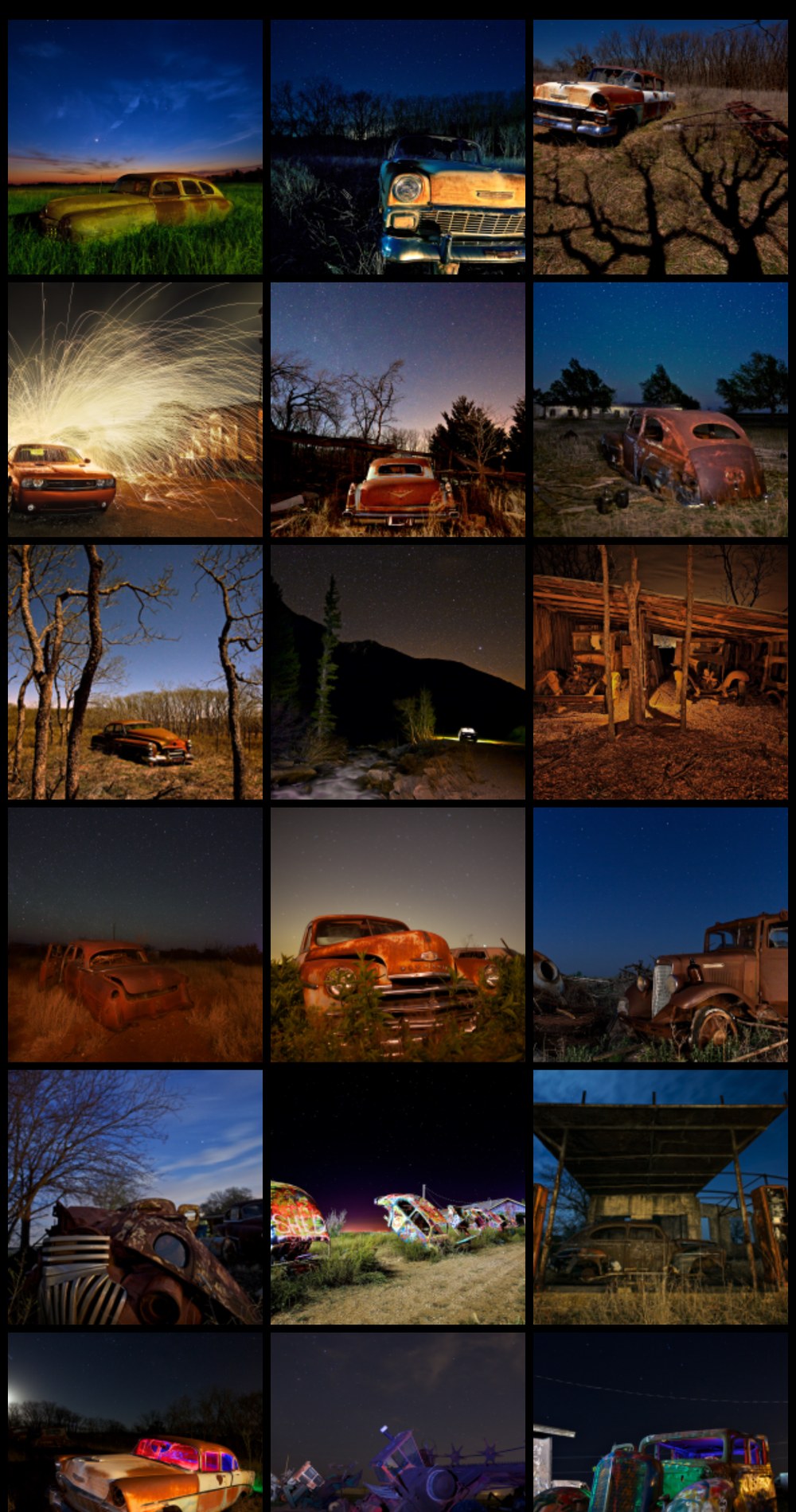
Any gallery becomes a show — one tap on play.
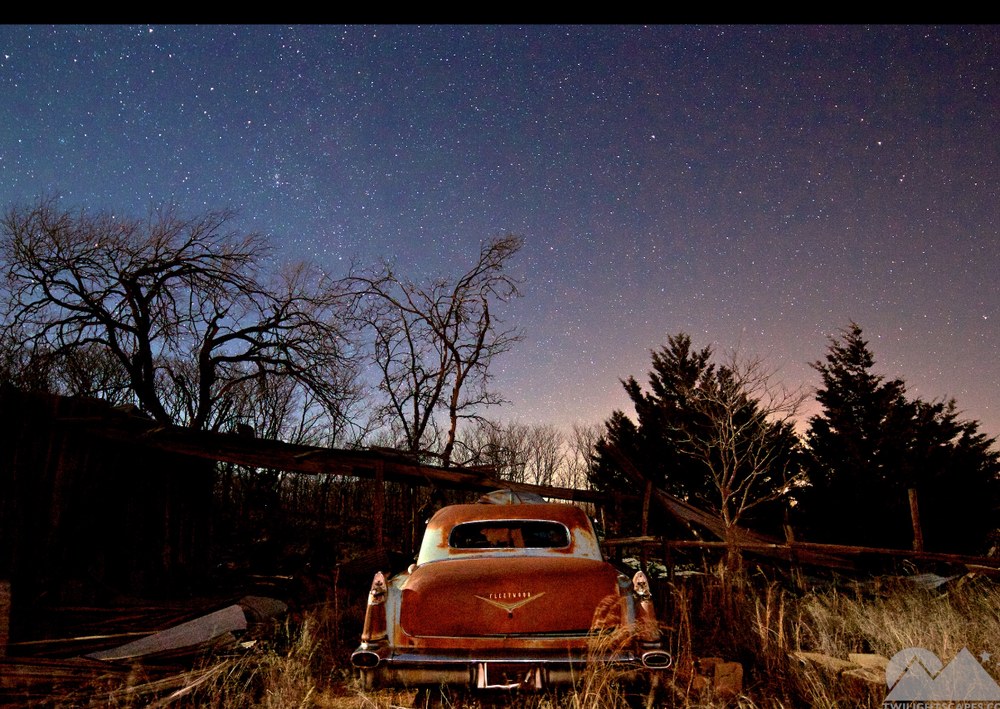
The same display engine everywhere: slow crossfades, Ken Burns drift, and voice notes.
Off the screen, onto the wall
Print-ready output is the next step of the pipeline.