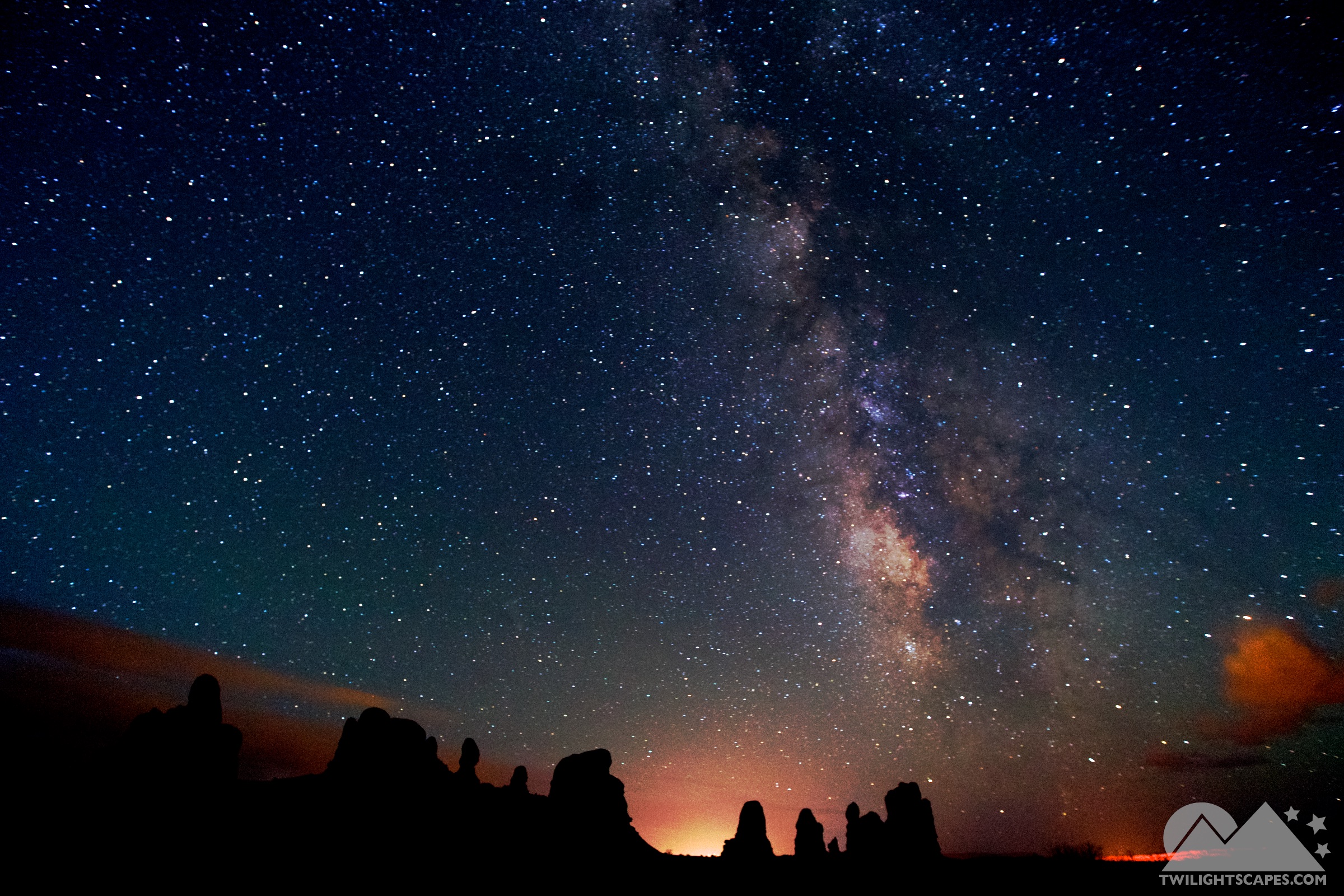
The Night Camera
Built around what night work actually requires: long exposures without an ND filter, sensor-noise discipline, dark adaptation, and a shutter you never have to touch.
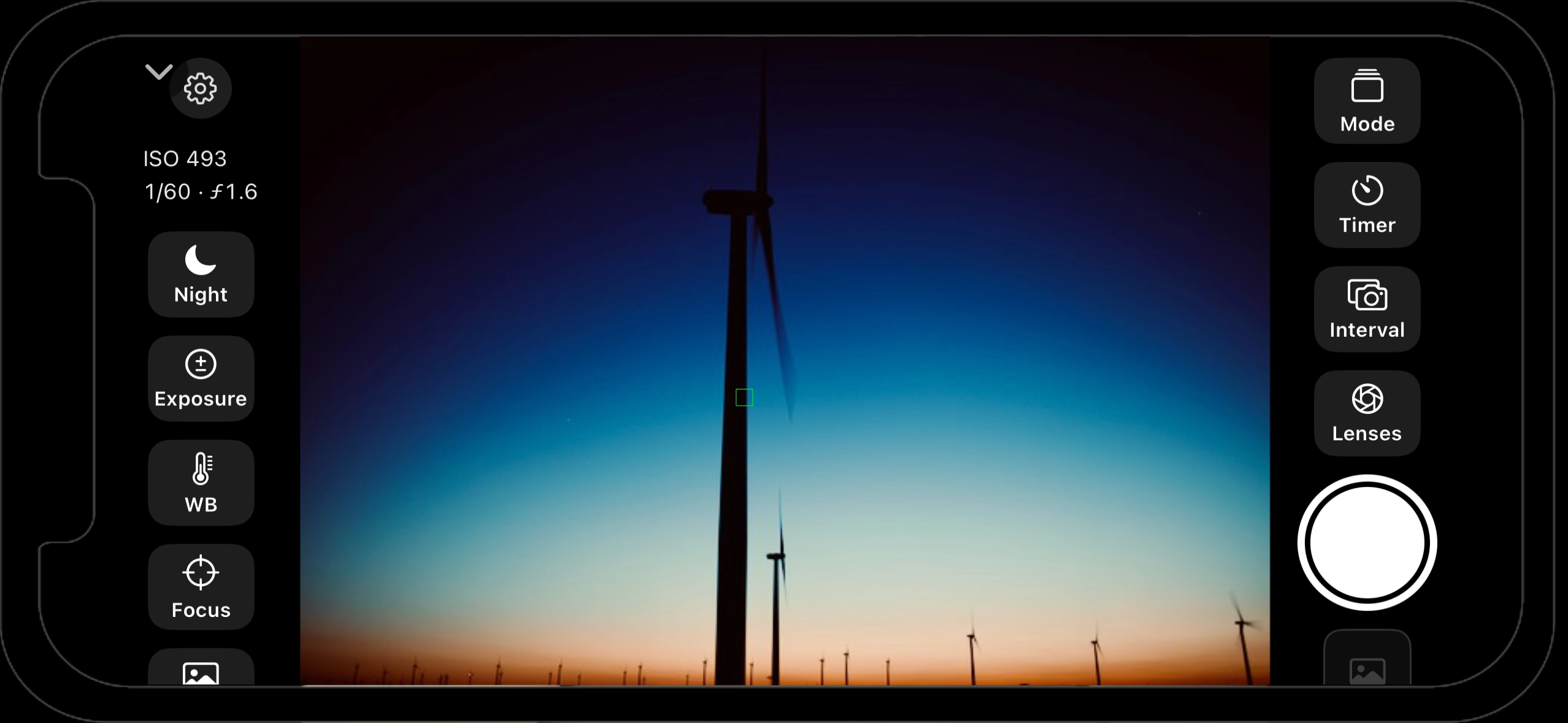
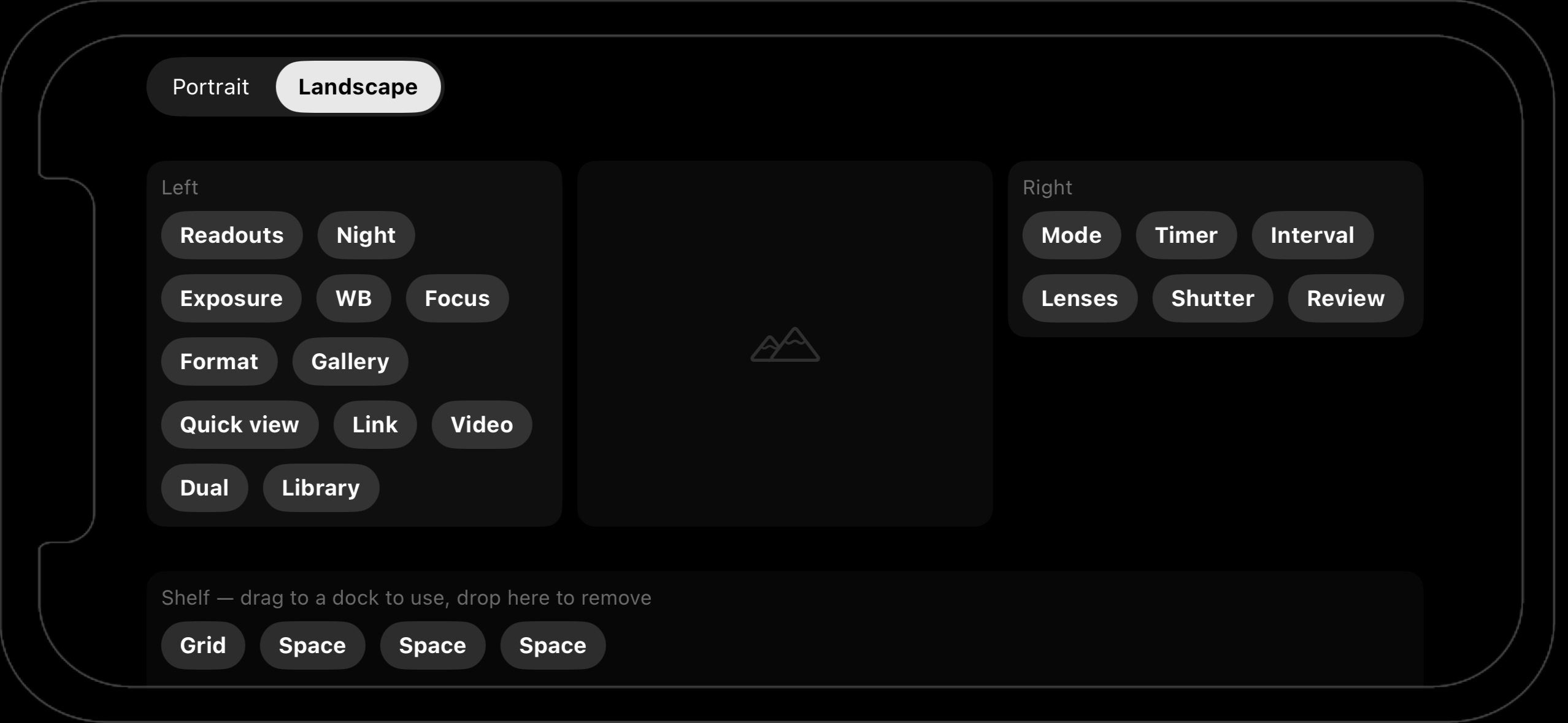
Limitless options - drag and drop the interface YOU want
Capture engine
- Long-exposure stacking, live — two blend engines: Mean averages frames in linear light for silky water and the ND-filter look; Lighten takes the per-channel max for star trails and light painting. You watch the accumulation build in the viewfinder as it happens.
- Dark-frame subtraction — capture a lens-cap dark master in the field and sensor noise is subtracted from your stacks. Clean night skies from a phone.
- Full manual control — ISO and shutter, white-balance temperature and tint, manual focus by lens position, exposure bias in auto, and tap-to-focus/expose anywhere in the frame.
- ProRAW or HEIF, lens switching (ultra-wide / wide / telephoto), zoom, and a silent shutter.
- Intervalometer & stack timer — timed sequences for timelapse frames, and timed stack runs for hands-off long exposures.
Built for the dark
- Night-vision interface — controls dim and tint red or amber to preserve dark adaptation, while the viewfinder image stays natural so you can still judge color. Auto-dim keeps the screen from polluting an exposure.
- Live readouts — ISO, shutter, elapsed stack time, and frame count ride the viewfinder.
- A customizable control tray — every control is a module (readouts, exposure, white balance, focus, format, lenses, timer, intervalometer, grid, link, gallery, dual-camera, video…) you can arrange into docks, per orientation.
In and out fast
- Capture galleries — captures always land in a named album. Switch or create galleries ("Tonight's Eclipse") without leaving the viewfinder; they sync everywhere as displays via iCloud Photos.
- A Lock Screen / Control Center button launches straight into the camera.
- Capture recipes — Night School lessons and shared links hand exact ISO/shutter settings to the camera via the
twilightscapes-camera://URL scheme. - One command bus — every camera action is a single command type, so on-screen controls, the iPad monitor, and the Apple Watch all drive the same engine identically. "Press the shutter" from your wrist resolves to whatever the shutter means right now — starting and stopping stacks included.
The video recorder
A full-frame video camera one tap from the tray: 1080p rear (720p front), flip button, up to ten-minute takes, level-stamped for landscape work, with an on-screen elapsed timer. Playback starts the moment you stop — Retake, Save into the active capture gallery, or Edit, which drops the clip straight onto the editing timeline. When Field Safe is on, a cloud badge beside the timecode pulses while the take uploads and turns green once the footage is safely off the phone.
Spots — the broadcast desk
Broadcast-style pieces where you appear over your own material:
- Three backgrounds — a photo (with fresh voiceover or the photo's own narration), any video clip from Photos or Files, or the live world behind you with both cameras recording at once.
- Bubble or cutout — appear as a picture-in-picture bubble or a green-screen-style cutout via live person segmentation. No green screen needed. Movable and resizable while recording.
- Performance controls — oversized transport and volume for the background clip, a timeline scrubber, and four cue buttons: hold to bookmark moments, tap to jump. Prepared rebuttal points for long source material.
- Review keyframing — after the take, scrub and drag your bubble to new positions; every move lands a keyframe and your self glides between them in the render.
- Renders vertical, square, or wide, saves to Twilightscapes Edits, posts straight to Bluesky — and saves as a project you can re-edit later on any device.
The field monitor mesh
Peer-to-peer over Wi-Fi and Bluetooth directly between devices — no router needed on a mountainside.
- Any iPhone or iPad is a camera; any iPhone, iPad, or Mac is a monitor. Cameras advertise, monitors connect automatically.
- Live preview with ISO/shutter readouts and stack progress, a remote shutter, and tap-to-focus on the monitor that focuses the camera.
- Stealth mode drops the monitor to dim red so it doesn't contaminate the exposure — or your night vision. Performer mode mirrors the feed for someone facing the camera.
- One camera streams to every connected monitor at once; on multi-camera sets, monitors switch between cameras from a picker.
You've got the shot.
Now develop it, stack it, cut it, and publish it — without going home.